
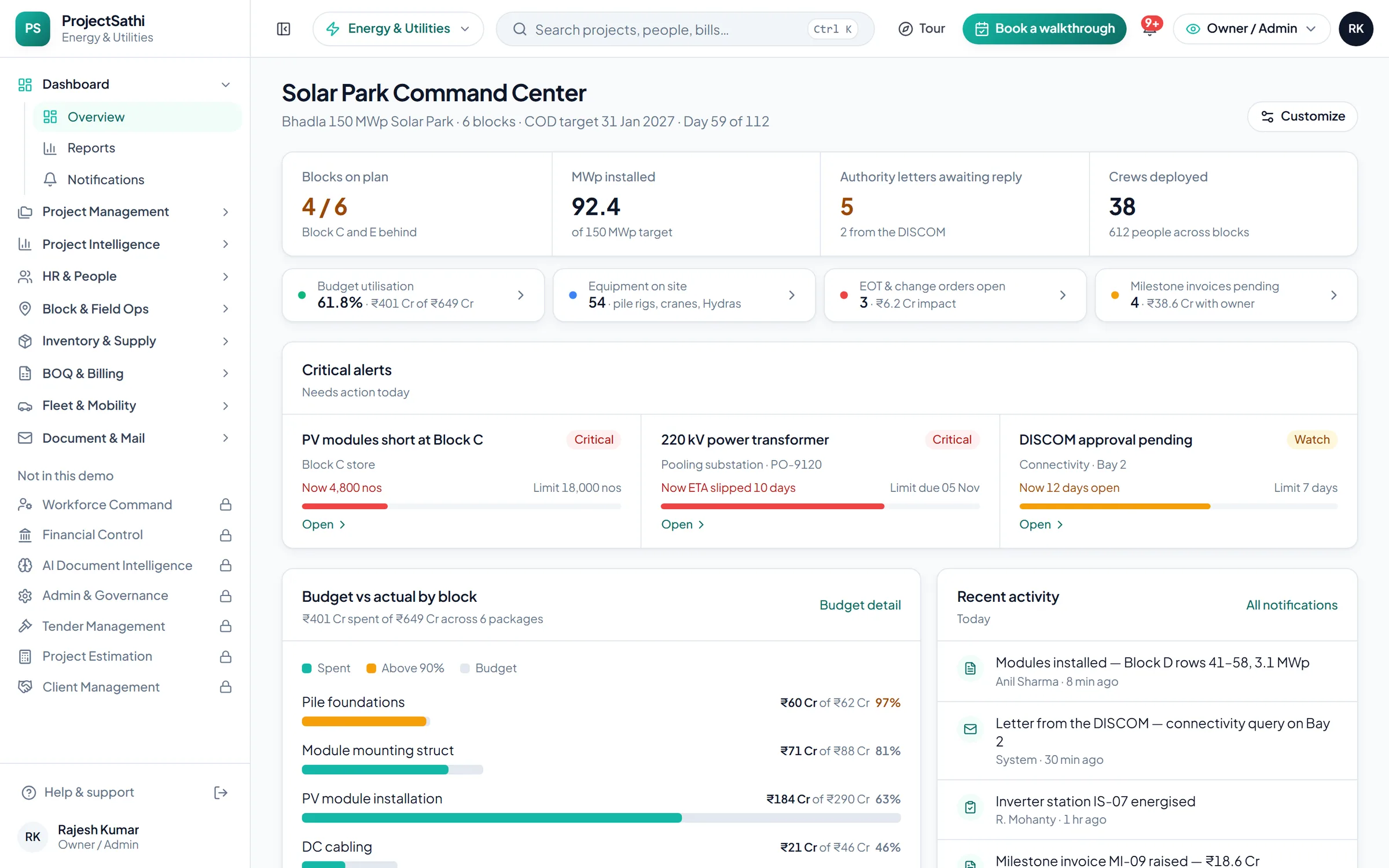
DashboardA real-time command center for active projects, field headcount, BOQ utilisation, pending approvals, and material flow.
Every block, bay and MW — rolled up before the owner asks. Solar parks, transmission lines, substations — dispersed sites rolled up for the owner.
What the demo opens on
The first screen is the sample project Bhadla 150 MWp Solar Park · Blocks A–F, with the figures a Energy & Utilities team checks first thing in the morning. Every number links to the module behind it.
In your vocabulary
Three screens from the Energy & Utilities demo, as they open the moment the setup wizard finishes.
Progress is measured in MWp installed. The critical path, what is behind, and the milestone that matters, on one Gantt.
Project Management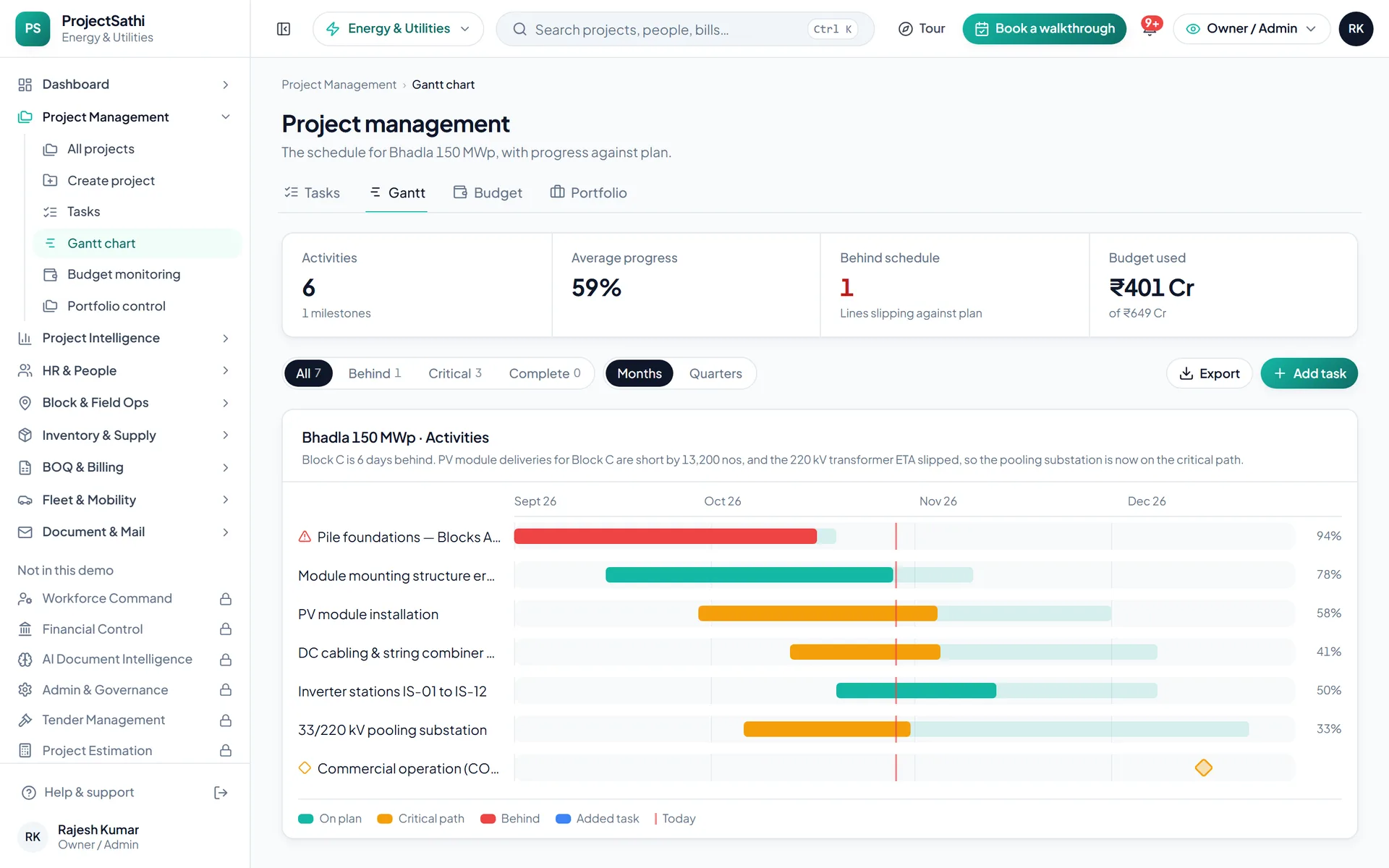
What is on hand against the reorder point, what is on request, what is on its way. Long-lead items with their own register.
Inventory & Supply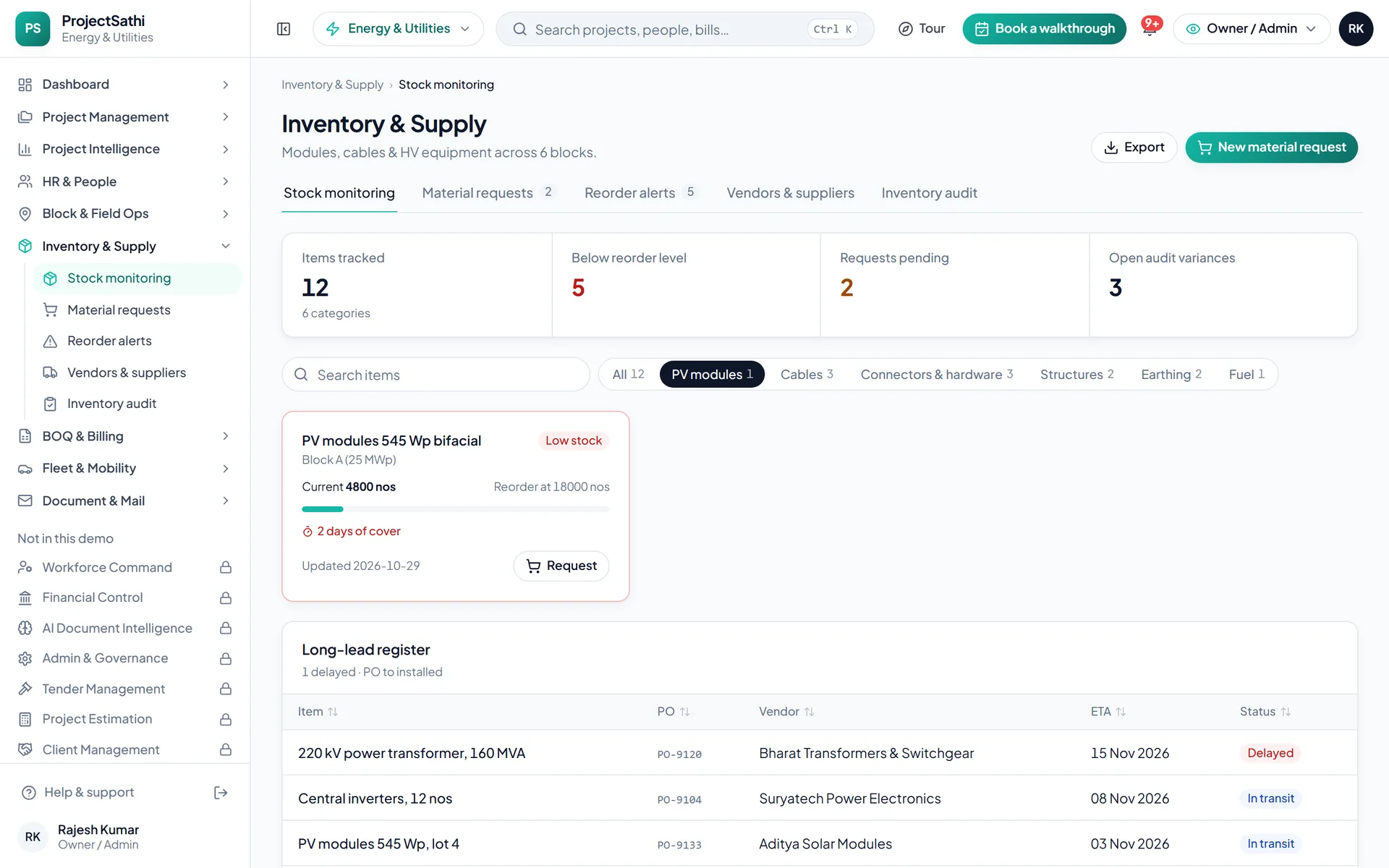
Certified quantities become the milestone invoice. Gross, net payable, due date and status for every bill, and the GST filing periods behind them.
BOQ & Billing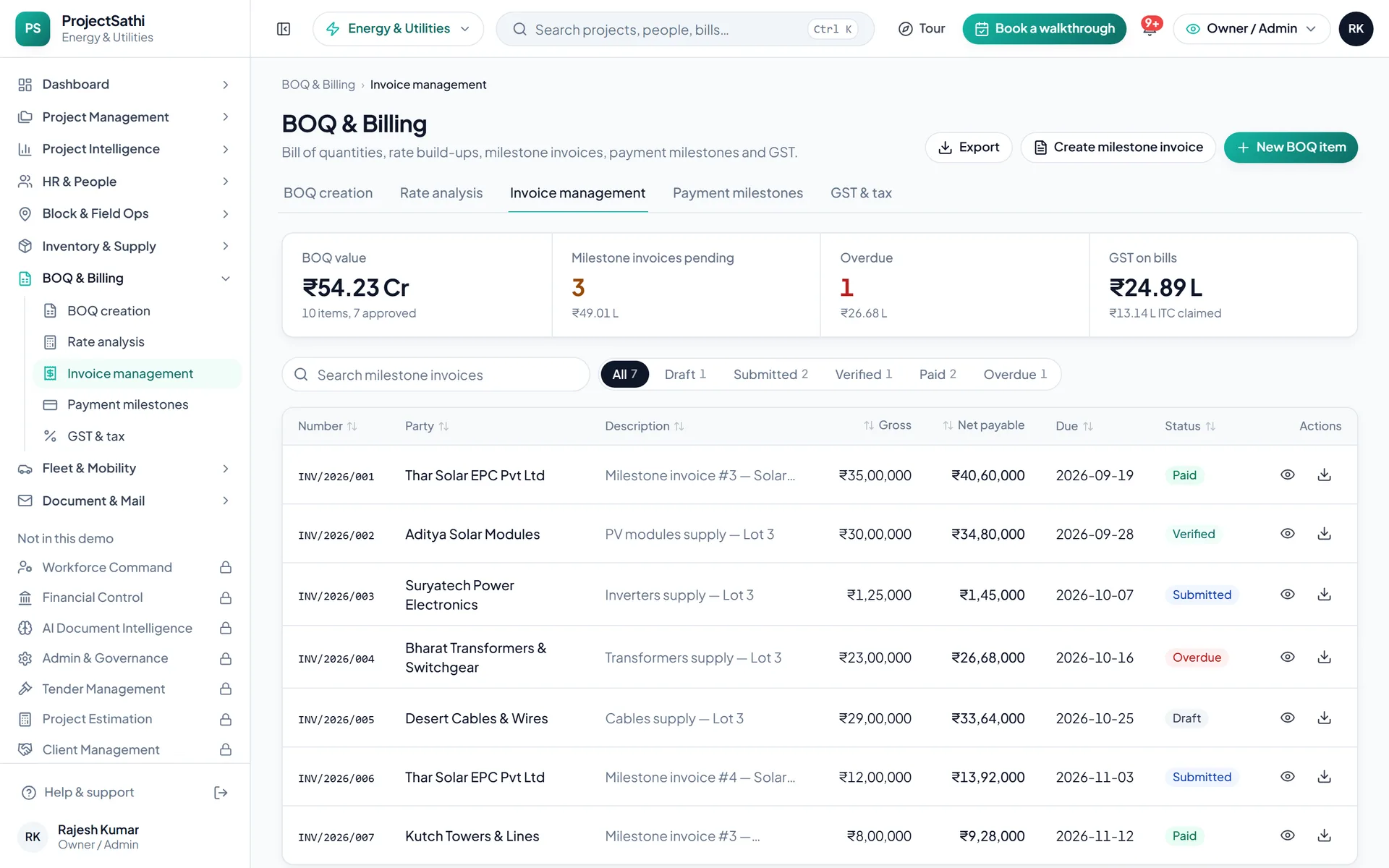
Real product screen from the live demo, sample data.
Types of work
The type of work sets the dashboard title, the unit of progress and the names of the work packages.
Blocks, inverters and pooling substations
Towers, stringing and line sections
Bays, transformers and protection
Modules on by default
Already ticked in the setup wizard. Untick what you don't need, or open a plan group to add more; Dashboard always stays on.


Try five things
Everything is sample data, so click freely. These five show most of what the product does.
Open Project Intelligence → All bills. Pick a bill that's waiting, check the submitted and recommended amounts, and approve it (or reject it with a reason). The register and the dashboard update straight away.
Open Financial Control → Salary processing, preview the month's payroll and process it. Then go to Bank transfers and download the NEFT bulk-payment file, and open Payslips to print one.
Open Inventory & Supply → Material requests and raise one for a site. Approve it, then issue the stock against it and watch the stock level change in Stock monitoring.
Almost every register has an Export menu. Open Dashboard → Reports (or any list) and export it to Excel (CSV) or PDF.
Use the role switcher in the header to view the workspace as the owner, a project manager or a site engineer. The project manager doesn't see payroll, AI documents or admin; the site engineer sees site work, stores and mail, and can't edit records.
Name, company, an email and a WhatsApp number. A 6-digit code confirms the email.
Civil, mechanical, chemical, energy or architecture; then the type of work; then the modules you want on, grouped by plan.
The workspace opens with sample projects in your vocabulary. The tour walks the screens that matter, then it's yours to click through.
project management software for energy and utility projects
A 150 MWp solar park is six blocks, two pooling substations and an evacuation line, each with its own crew, its own equipment and its own letter from the DISCOM. Project management software for energy and utility projects has to roll dispersed sites up into one view of blocks on plan, MWp installed and milestone invoices pending, because the owner cannot visit every block every week and the lender will not wait for a site visit.
Project Management plans blocks, bays and line sections as activities on a Gantt chart with dependencies, and its Portfolio Control view rolls every site up for the owner and the lender. Site Management records daily progress per block or tower section from the mobile app, offline, with geo-stamped photos and the day's weather, so MWp installed and towers strung are measured where the work is, not estimated in the office. Project Intelligence adds site-by-site progress against plan with delay-risk scoring. The demo's Solar Park Command Center opens with blocks on plan, MWp installed, crews deployed and equipment on site as its headline figures, the numbers an owner's engineer checks before the weekly call.
Energy projects run on correspondence with the DISCOM, the CEA, the state transmission utility and the land-revenue office. Document & Mail logs every inward letter with reference, party, priority and status, summarises it with an AI pass, tracks it to a reply, and versions outward letters. Project Intelligence shows authority letters awaiting reply with days open, every extension-of-time request with its justification, and every change order with its financial impact, across all sites. Because the weather log, the daily progress record and the letter sit together and are dated, a claim for a right-of-way delay or a grid-connection slip is built from the records that were made at the time.
HR & People takes attendance per site on the mobile app with a geo-stamp and photo, offline, shows the people on each site against the approved headcount, and flags missing PF, ESI, PT or TDS details across installation crews spread over several districts. Fleet & Mobility tracks the equipment on site, with movement by site, hire contracts and compliance alerts before a permit or an insurance lapses. Inventory & Supply tracks modules, inverters, cable drums, conductor and tower parts per location with consumption velocity, runs material requests from the block through approval to issue, and fires reorder alerts before a block stalls on a long-lead item.
BOQ & Billing raises milestone invoices and progress bills against the bill of quantities with HSN-coded lines, the CGST, SGST or IGST split and exports to GSTR and Tally; submitted, recommended and approved amounts are tracked on each, and payment milestones and ageing per client show what the owner still owes. Milestone invoices pending is a headline figure on the dashboard. Budget utilisation is visible per block and per project, and the Dashboard gives the owner cash position and portfolio health, the project manager what is slipping, and the field engineer what is blocked today on their block.
Questions
We set it up with one of your live projects, your activities and your BOQ before the call.