Construction Management Software for Small Contractors: A Guide
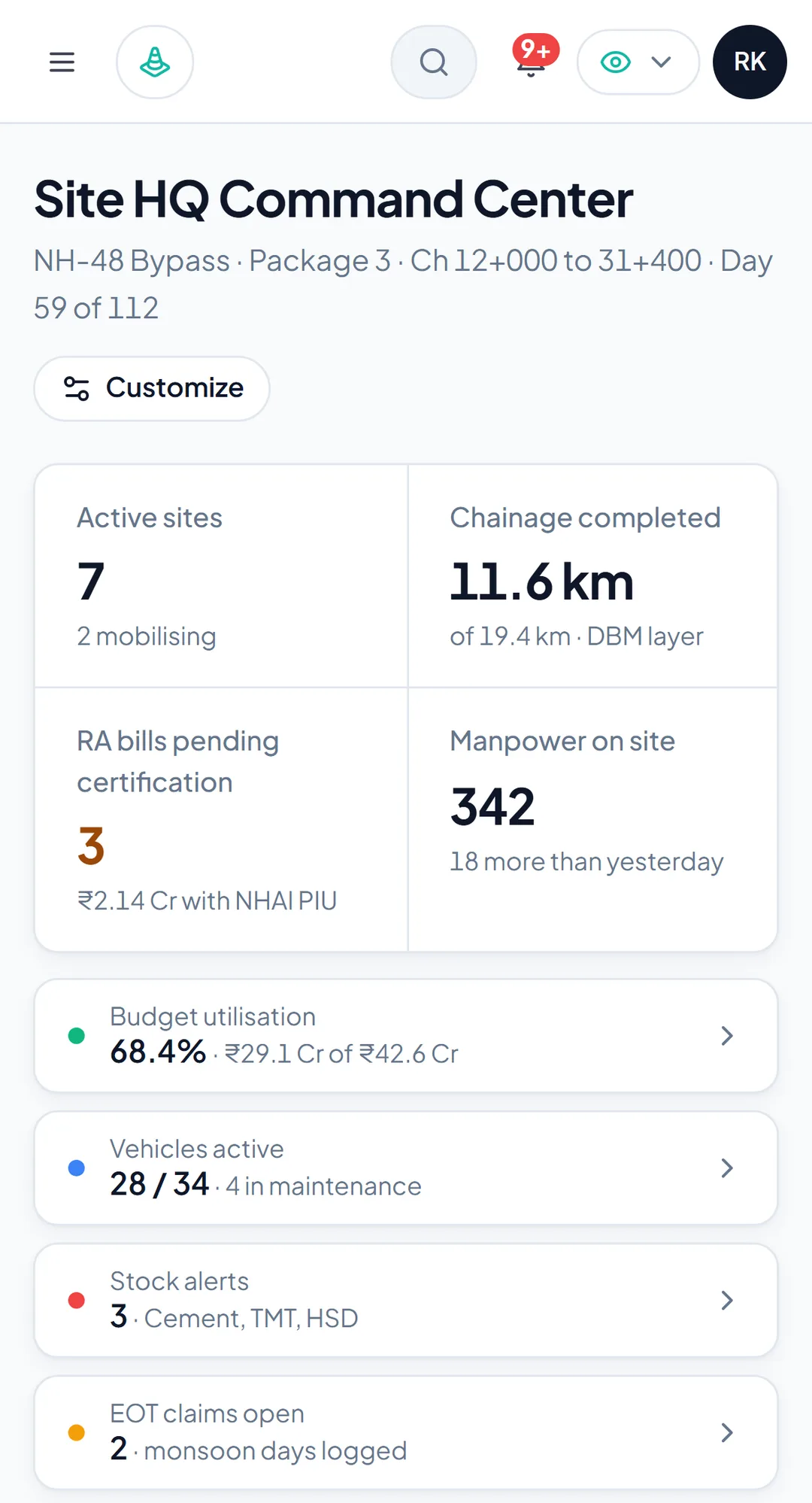
Construction management software for small contractors with 1–5 projects: what to adopt first, what the Starter plan covers and how to roll it out.
Construction management software for small contractors should start with three things: attendance from a phone, a daily progress report with photos, and one shared view of every project. Those three replace the WhatsApp groups and the Friday-evening status calls, and they are what a one-to-five-project firm can actually adopt in a month without a dedicated IT person.
Billing, payroll, inventory and fleet come later, once the field team is entering data every day. This guide explains what to adopt first and why, what to leave for the second year, what ProjectSathi's Starter plan and 90-day pilot cover for a firm this size, and how to run the rollout so it does not stall.
What "small" means here
One to five active projects, roughly ₹2 Cr to ₹15 Cr of annual turnover, an owner who is also the senior project manager, two to five field engineers or supervisors, and an accountant on Tally. The owner knows every project's status, but only because they visit each one. A civil example is a firm building two residential blocks and a PWD school; an industrial example is a small mechanical fabricator with three erection jobs at different plants.
At this size the losses are not exotic. They are a supervisor's attendance register that does not match the payroll, a cement delivery nobody signed for, a client query about last month's progress that takes a day to answer, and an extension-of-time request with no daily record behind it.
Construction management software for small contractors: adopt these first
1. Attendance from the phone
Mobile check-in with a geo-stamp and a photo, working offline and syncing later, with leave requests approved in the app. This fixes the register-versus-payroll mismatch at source and gives you headcount per project every morning. In ProjectSathi this lives in HR & People, which also carries the staff directory, PF, ESI, PT and TDS status per employee with missing IDs flagged, and an audit trail.
2. A daily progress report with photos
Workforce deployed, materials received, work completed and blockers, logged by the supervisor before leaving the project, with geo-stamped photos and the day's weather. This is the record that answers the client, supports the bill and holds up an EOT claim. Site Management captures it from the mobile app, with inspection checklists and a master record per site with location, parties, contract, drawings and key dates. The site engineer's daily checklist is a good template for what the report should contain.
3. One view of every project
A dashboard that shows active projects, headcount, pending approvals and budget utilisation, with role-aware views so a field engineer sees their work and the owner sees everything. Reports on cross-project P&L and material consumption export to PDF and Excel for the accountant and the bank.
Leave for later, deliberately
- Certified billing. Keep building progress bills (RA bills) the way you do now until daily measurements are reliable; then move them. A bill built from six weeks of good daily logs is far easier to move than one built from memory.
- Payroll. Once attendance has been clean for two months, running payroll from it with PF, ESI, PT and TDS and the NEFT file is a short step. Before that, it just moves the mismatch into a new system.
- Inventory and fleet. Worth it when you have a store or more than a couple of vehicles per project. Until then, the daily log's materials-received line is enough.
- Tenders and estimation. Useful once you are bidding regularly on GeM or state PWD portals and want a rate library and bid tracker.
The order matters because each later module depends on a habit the earlier one builds.
What the Starter plan covers
Construction management software for small contractors has to be priced for them too. ProjectSathi's Starter plan is sized for this firm: up to 5 active projects or sites and up to 50 users, invoiced quarterly, with a two-week single-project onboarding included and email and WhatsApp support on a next-business-day basis. It includes project and field management, attendance and MIS, the BOQ (bill of quantities) in read-only form, document management and the mobile app. Certified billing and invoicing, payroll, fleet, inventory and accounting integrations are on the Growth plan, which is the normal upgrade path once the firm passes five projects. Pricing is quoted for your company after a demo.
For a firm moving off Excel for the first time, there is a 90-day pilot: one project, field management, attendance and MIS, onboarding and WhatsApp support included, quoted per pilot, with the fee credited toward the annual contract if you continue. That is the lowest-risk way to find out whether your supervisors will use it.
Rolling it out without a stall
- Pick the friendliest project, not the biggest. The one with the supervisor who already sends good WhatsApp updates.
- Load the basics in a week. Projects, people, roles. Do not load the BOQ yet unless the vendor is doing it for you.
- Attendance and daily log for 30 days. The owner checks the dashboard every morning and asks about gaps the same day. That one habit decides the rollout.
- Add the second and third project once the first is clean, using the first supervisor to train the others.
- Move billing in month three, running one bill in parallel with the old method.
Give the vendor's onboarding team a single point of contact, and insist that training happens on the project with the supervisors' own phones.
Common mistakes at this size
The usual ways construction management software for small contractors fails to stick:
- Buying for the firm you want to be in three years and drowning the team in modules nobody uses.
- Giving the field team a login and then still asking for the WhatsApp photo.
- Letting the accountant run the rollout; the first user is the supervisor.
- Skipping the pilot because the annual price looks small compared with the problem. The pilot is not about price; it is about whether the habit forms.
- Choosing a tool with no offline mode because the office has good Wi-Fi.
Try it on sample data first
The ProjectSathi demo works with any business email. Pick your industry and type of work, tick the modules you want, grouped by plan, and the workspace opens with sample projects in your vocabulary. In about fifteen minutes you can switch roles between owner, project manager and site engineer, raise a material request and export a report, which is enough to judge whether your own team would take to it.
When you are ready to see it on one of your own projects, with your team loaded, schedule a demo and we will set it up with you.
Frequently asked questions
Is construction management software worth it for a contractor with two projects?
Usually yes, if attendance, daily reporting or client updates already take real time each week, and if the firm intends to grow. The test is adoption: if supervisors log attendance and a daily report every day for a month, the rest follows. A pilot on one project answers that for a modest fee.
What should a small contractor adopt first?
Attendance from the phone, a daily progress report with photos, and a single dashboard across projects. Billing, payroll, inventory and fleet come later, once daily data is reliable.
Does the Starter plan include progress billing?
Starter includes the BOQ in read-only form, project and field management, attendance, MIS, documents and the mobile app. Certified progress billing, payroll, fleet, inventory and the Tally or Zoho integration are on the Growth plan, which is the normal upgrade once a firm passes five active projects.
Do my supervisors need smartphones with data plans?
They need smartphones; they do not need constant data. The mobile app records attendance, daily logs and photos offline and syncs when the phone next connects, so a project with poor signal is not a blocker.